90-day money-back guarantee
90-Day
Money-Back Guarantee
100% Encrypted & Secure Checkout
Checkout
Bonus Deals
Summary
1
Select
2
Shipping
3
Payment

Holiday 2026 Edition

Snapshot Ornament

4.9/5 Based on 15,347 Verified Customer Reviews

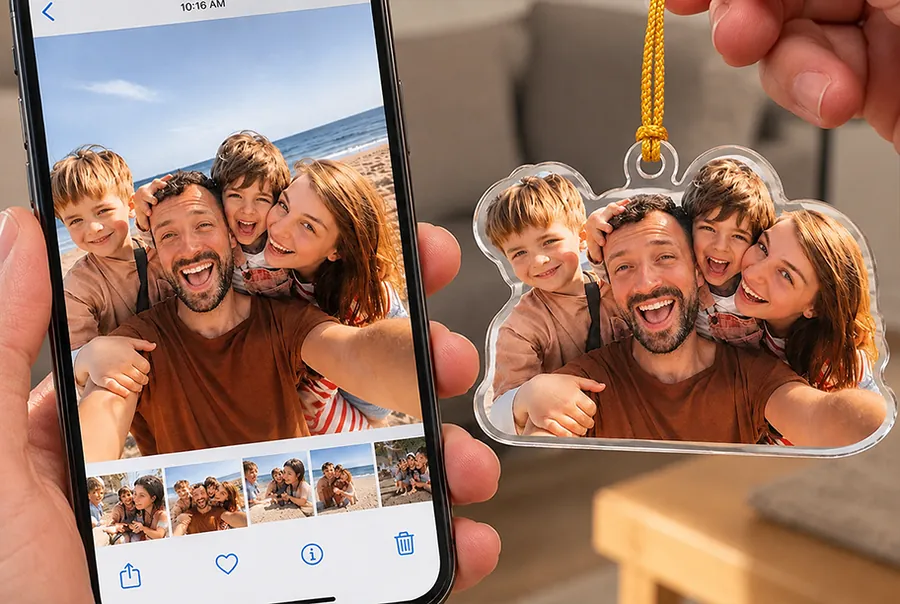
Your favorite photo, cut to shape and printed on both sides.
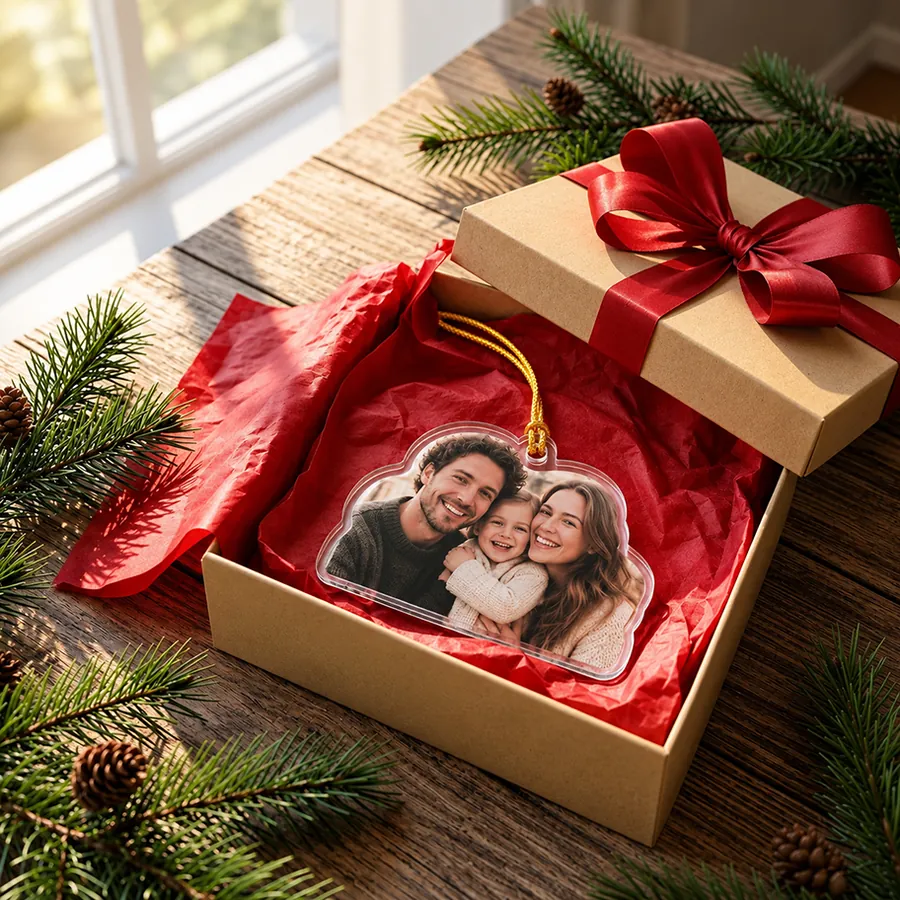
One photo, printed on both sides
Cut to the shape of your photo
Preview before you pay
3.54 in, made for the tree
I picked our favorite photo from the summer and it came out so clear.
Rachel P.
Verified Customer
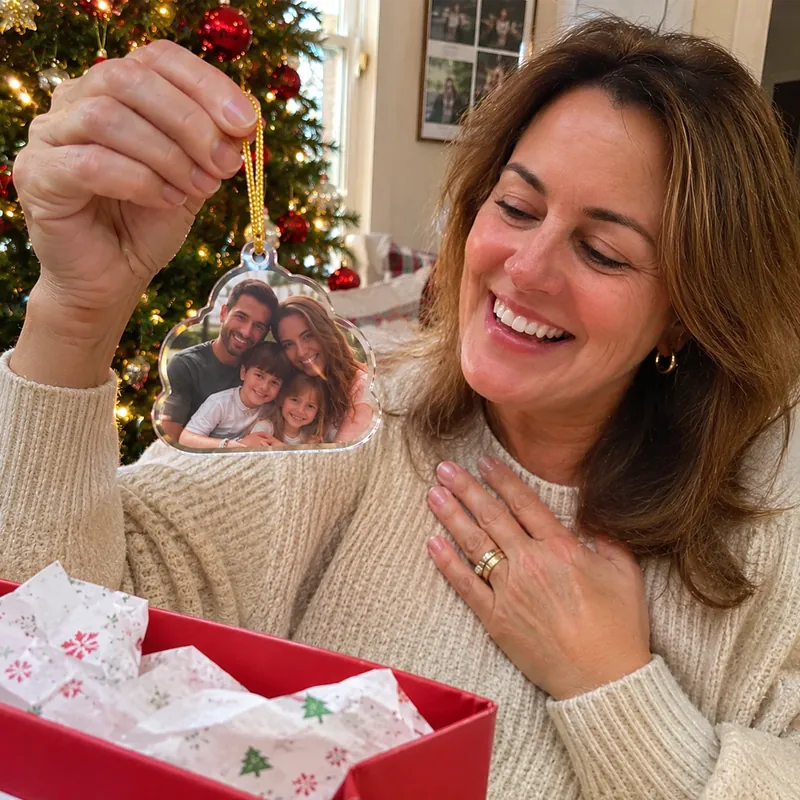
Got one for my parents with the grandkids on it. Mum would not put it down.
Mark H.
Verified Customer
Your Photo on the Tree, Every Year
A family photo on a phone next to the Snapshot Ornament made from it

Holiday 2026 Edition

Snapshot Ornament

4.9/5 Based on 15,347 Verified Customer Reviews

Your favorite photo, cut to shape and printed on both sides.

Step 1: Choose Your Ornaments

1 Ornament
-/ea
-
2 Ornaments
Most Popular
-/ea
-
3 Ornaments
Best Deal
-/ea
-

Step 2: Personalize Your Ornaments

#1

Snapshot Ornament

3.54 ineach

Shipping address

Enter your shipping details

90-Day Money-Back Guarantee: Order with confidence. Your Snapshot Ornament is backed by our 90-day money-back guarantee.

Premium Shipping Insurance for

Covers your order against loss, theft and damage in transit.

Protection
benefits
With
coverage
No
coverage
Loss, theft and damage coverage✓✕
Fast refund or replacement✓✕
Priority support✓✕

Payment

All transactions are secure and encrypted.
Error message
OR

Personalize every ornament above to unlock express checkout.

Error message

Billing Address

SECURE
SSL ENCRYPTION
GUARANTEED
SAFE CHECKOUT
Visa, Mastercard, American Express, Discover, PayPalApple PayGoogle Pay

Photo guide for your ornament

  1. Tap Select Image and pick a clear, well-lit photo with the people or pets large in the frame.
  2. One photo per ornament. The same photo is printed on both sides.
  3. We remove the background for you. The preview shows how the cutout will look, in full colour.
  4. You can zoom the photo in the preview but not move it, so pick a photo with the subject near the middle.
  5. Add a name or short text if you like (up to 20 characters). It is printed on the plate under the photo.
  6. Anything we should know about your photo goes in Special requirements. We read it; it is not printed.
  7. Press Add to cart to save your design.

Trouble uploading? Contact us and we will help.